For iPhone Duo

Wallpapers that unfold.

Photographs and illustrations composed for both screens: one scene on the cover when it's closed, the full spread when it opens. Every pair comes in Light and Night, and swaps itself as you fold.

Coming soon to the App Store Watch one unfold

Aurora FjordFisherman's cabin, Arctic winterCosmos · Light

Made for the fold

One scene.
Two screens.

Closed. The cover takes a tall crop around the subject and leaves the dock strip quiet.

Open. The same scene carries on across the inner screen, with the subject sitting clear of the fold.

Keep scrolling to open it.

Saturday, January 99:41

Aurora FjordFisherman's cabin, Arctic winterCosmos · Light

    Two looks for every pair

    Light by day.
    Night after dark.

    Each pair is made twice: the same frame at two times of day. With Auto-Swap on, your Duo picks the one that suits the hour each time you fold or unfold it.

    Hillside Tram in Light: a yellow tram climbing a sunlit cobbled street Hillside Tram in Night: the same street under lamplight Light Night

    Hillside TramCobbled climb, old quarterStreets · Light and Night

    Spreadwing shows Light from 7 in the morning and Night from 7 in the evening. This page keeps the same hours.

    The collection

    56 pairs.
    Eight collections.

    All of them are yours with the app, along with every pair added later. These are the Light versions.

    Horizons

    Mountains, lochs and dunes that open like a panorama. 7 pairs.
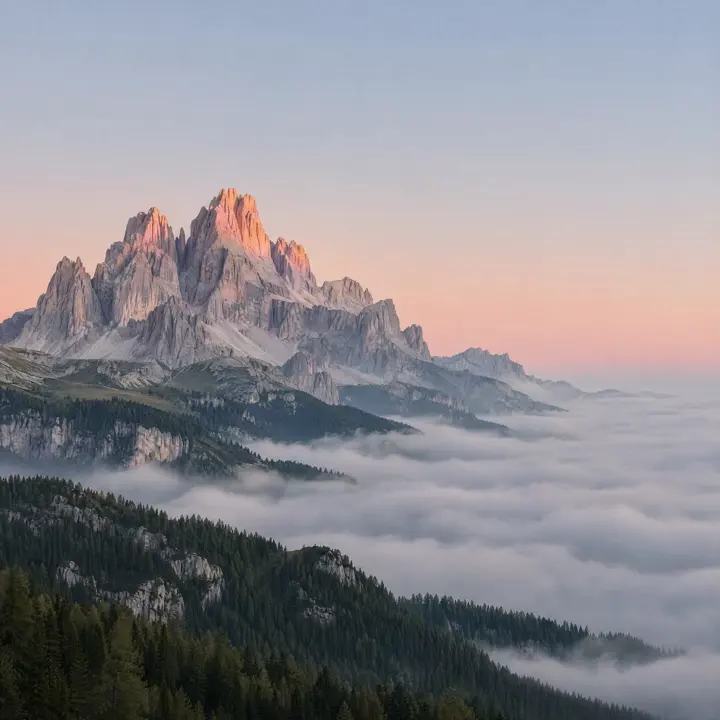
    • Dolomite Dawn: Alpine peaks over a sea of cloud
      Dolomite Dawn
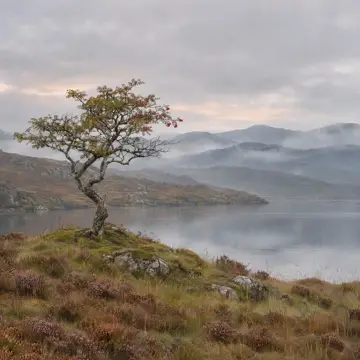
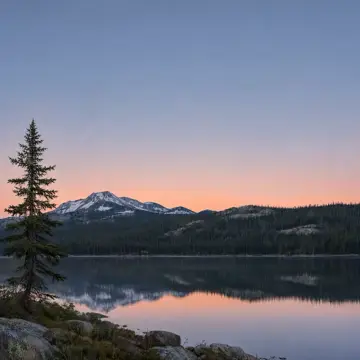
    • Highland Loch: A lone rowan above still water
      Highland Loch
    • Dune Line: Desert ridge and camelthorn
      Dune Line
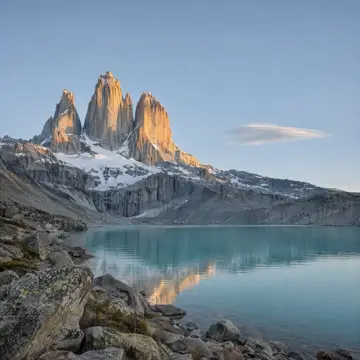
    • Granite Towers: Patagonian spires over a glacial lake
      Granite Towers
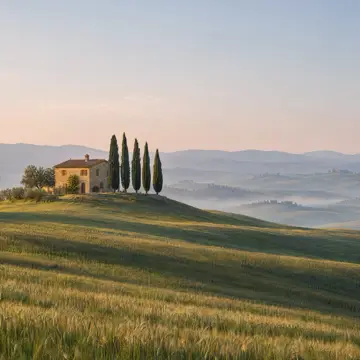
    • Cypress Hill: Farmhouse above the morning mist
      Cypress Hill
    • Volcano Lake: Snow cone over still water
      Volcano Lake
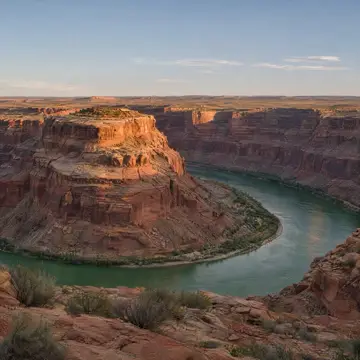
    • River Bend: Sandstone canyon, high desert
      River Bend

    Coastlines

    Sea stacks, tide flats and the last light on the water. 7 pairs.
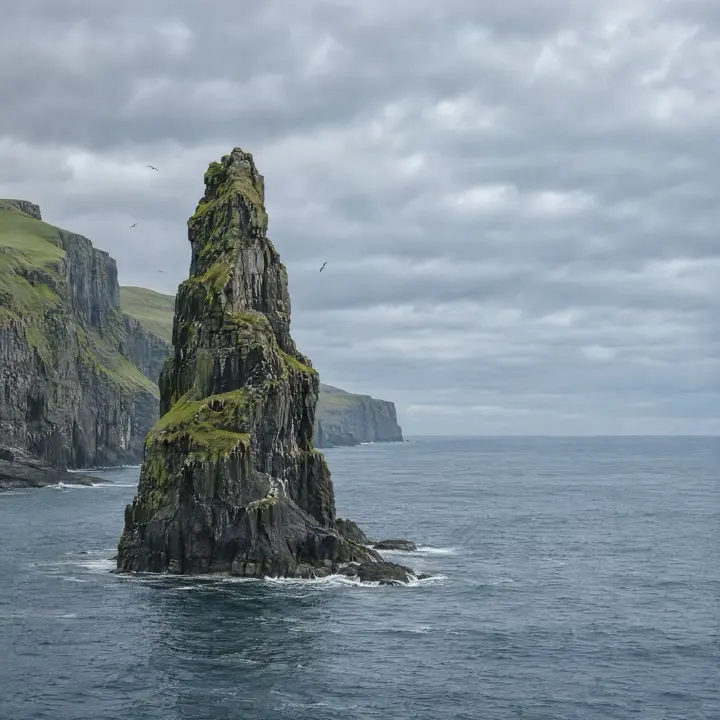
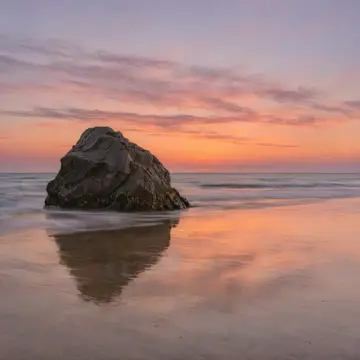
    • Sea Stack: Basalt spire, North Atlantic
      Sea Stack
    • Tidal Glass: Low tide mirror at sundown
      Tidal Glass
    • Lighthouse Point: Granite headland at golden hour
      Lighthouse Point
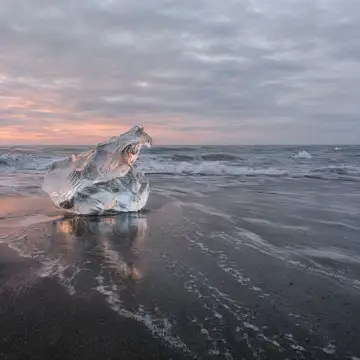
    • Ice Beach: Glacier ice on black sand
      Ice Beach
    • Hidden Cove: Limestone inlet, clear shallows
      Hidden Cove
    • Leaning Palm: Coral lagoon at slack tide
      Leaning Palm
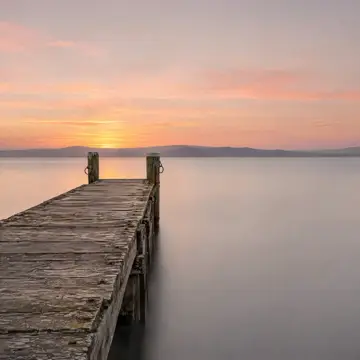
    • Old Jetty: Timber pier on a glass-calm bay
      Old Jetty

    Cosmos

    Night skies built for Always-On, with a dusk version for daytime. 7 pairs.
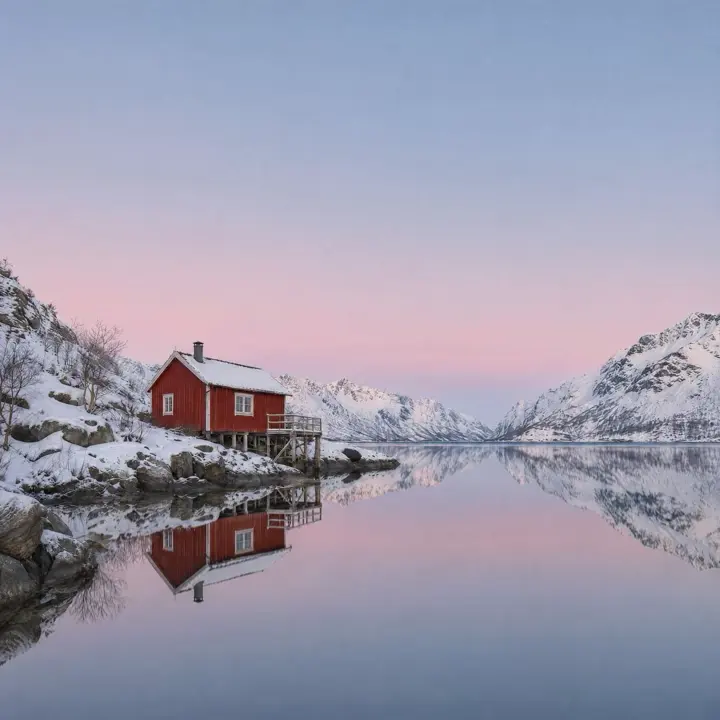
    • Aurora Fjord: Fisherman's cabin, Arctic winter
      Aurora Fjord
    • Milky Arch: Desert butte under the galactic core
      Milky Arch
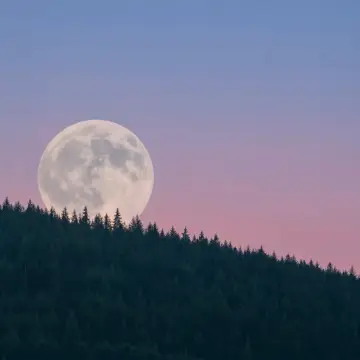
    • Moonrise Ridge: Full moon over spruce
      Moonrise Ridge
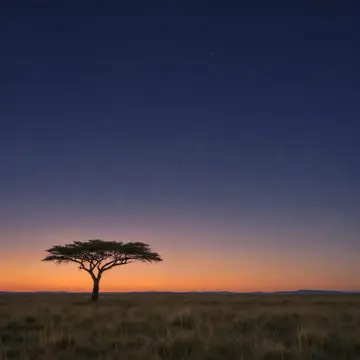
    • Star Trails: Polar arcs over a lone acacia
      Star Trails
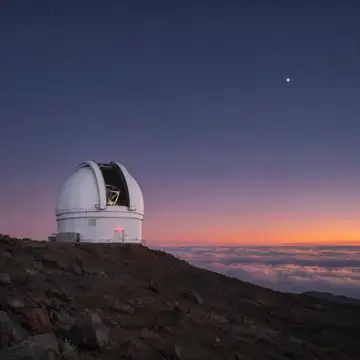
    • Summit Dome: Observatory above the clouds
      Summit Dome
    • Comet: A long tail over a mountain tarn
      Comet
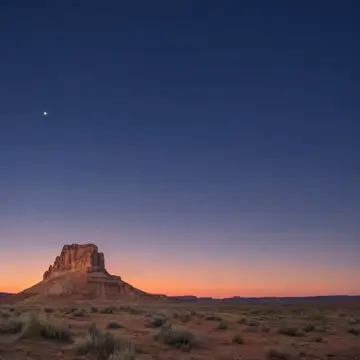
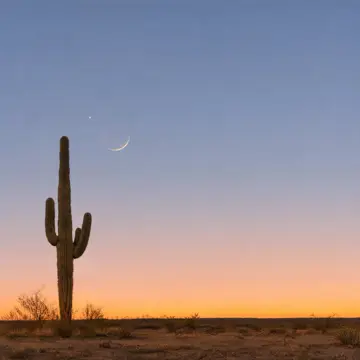
    • Young Moon: Crescent and evening star, desert
      Young Moon

    Botanica

    Leaves, fronds and petals up close. 7 pairs.

    • Wild Poppies: Summer meadow, backlit
      Wild Poppies
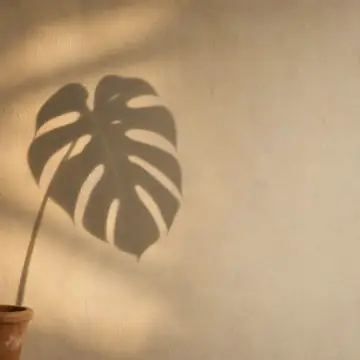
    • Monstera Shadow: Leaf shadow on lime plaster
      Monstera Shadow
    • Fiddlehead: A fern unfurling after rain
      Fiddlehead
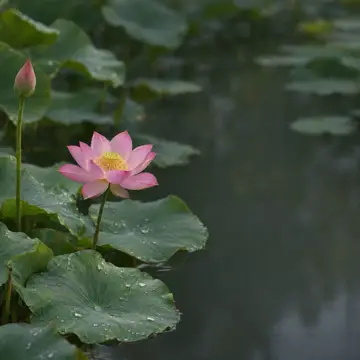
    • Lotus: Pond bloom at first light
      Lotus
    • Sakura: Cherry blossom against the sky
      Sakura
    • Fan Palm: Pleated frond, backlit
      Fan Palm
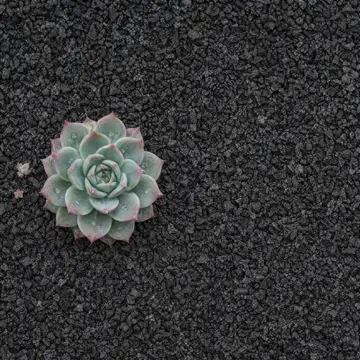
    • Echeveria: Succulent rosette from above
      Echeveria

    Streets

    Old towns, back alleys and concrete light. 7 pairs.
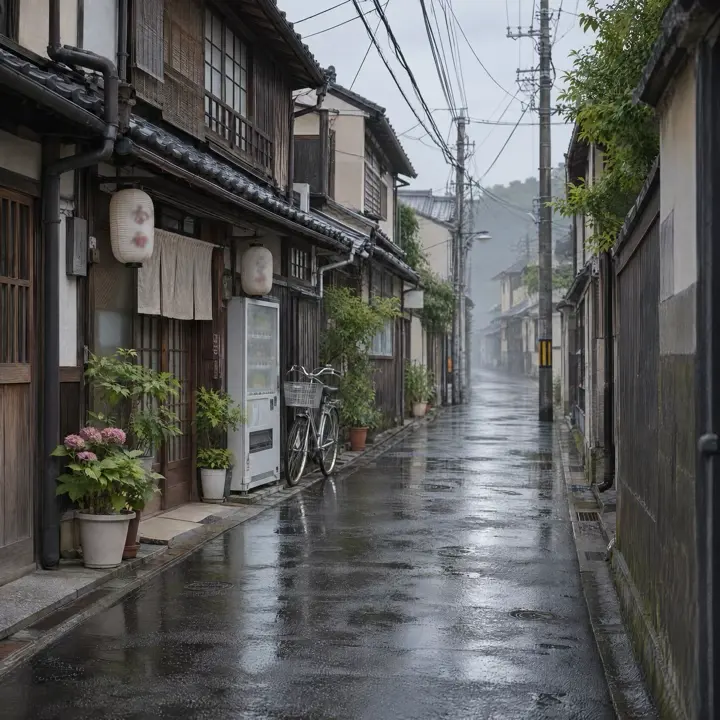
    • Lantern Alley: Tokyo backstreet after rain
      Lantern Alley
    • Hillside Tram: Cobbled climb, old quarter
      Hillside Tram
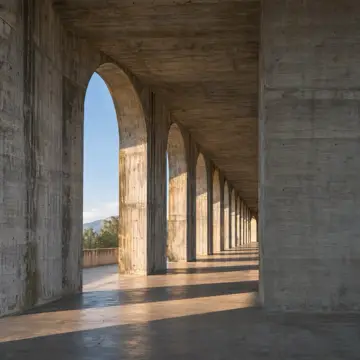
    • Colonnade: Brutalist arcade, late sun
      Colonnade
    • Canal Quarter: Footbridge and moored boat
      Canal Quarter
    • Blue Steps: Painted lane in a hill medina
      Blue Steps
    • Zinc Rooftops: Mansards and chimney pots
      Zinc Rooftops
    • Brownstone Row: Stoops and plane trees in autumn
      Brownstone Row

    Textures

    Quiet surfaces tuned for the matte inner screen. 7 pairs.
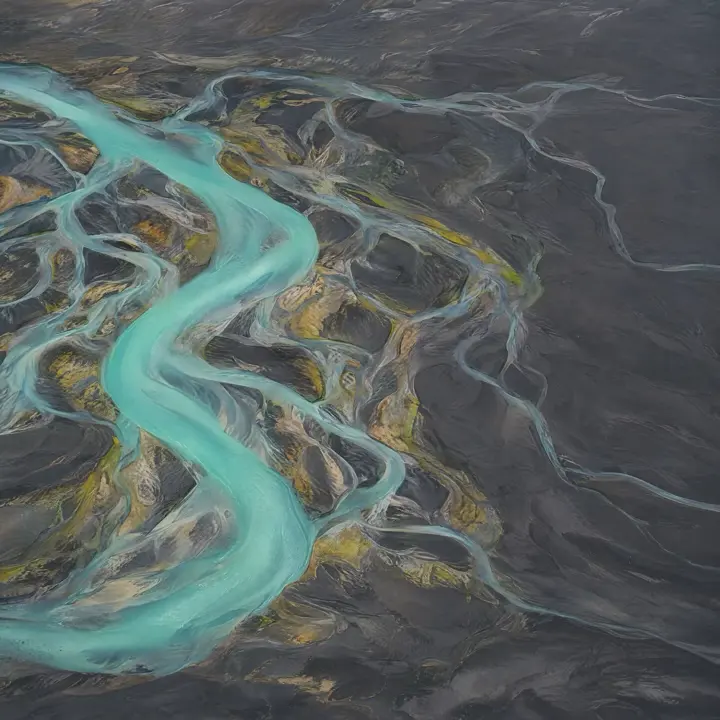
    • Glacial Delta: Braided river from above
      Glacial Delta
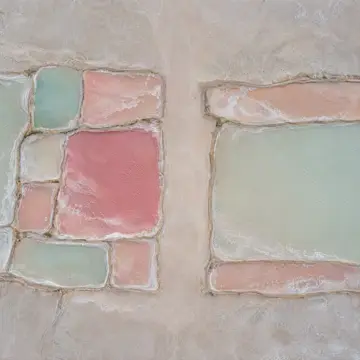
    • Salt Ponds: Evaporation pools from above
      Salt Ponds
    • Silk Fold: Satin in window light
      Silk Fold
    • Sand Ripples: Wind-combed dune surface
      Sand Ripples
    • Blue Ice: Bubbles in a frozen lake
      Blue Ice
    • Tea Rows: Contour planting from above
      Tea Rows
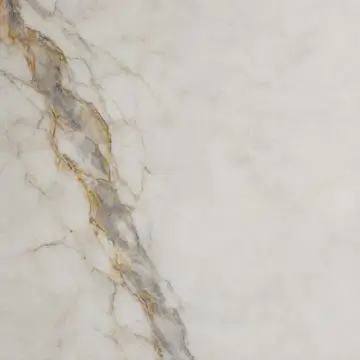
    • Marble Vein: Honed stone in raking light
      Marble Vein

    Wonders of the World

    From the Great Wall to the Taj Mahal, at first light and under the stars. 7 pairs.

    • Great Wall: Jinshanling, China
      Great Wall
    • Taj Mahal: Agra, India
      Taj Mahal
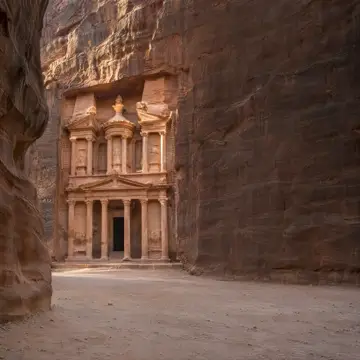
    • The Treasury: Petra, Jordan
      The Treasury
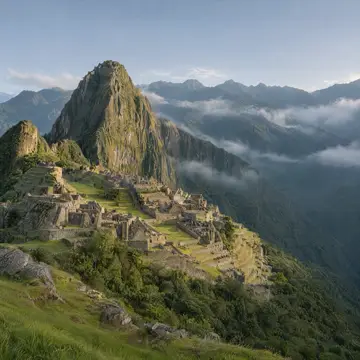
    • Machu Picchu: Cusco Region, Peru
      Machu Picchu
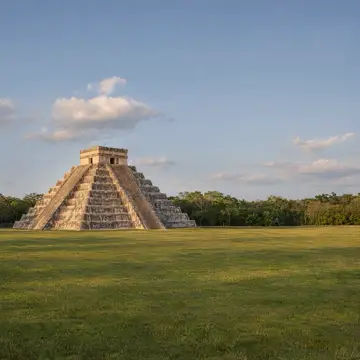
    • El Castillo: Chichén Itzá, Mexico
      El Castillo
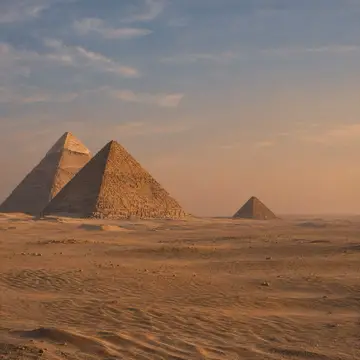
    • Giza: Pyramids at the desert's edge, Egypt
      Giza
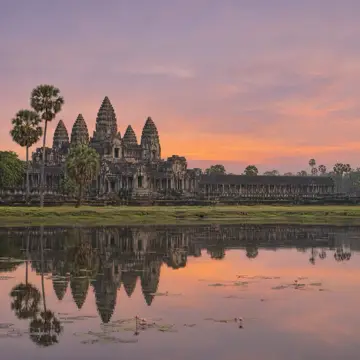
    • Angkor Wat: Siem Reap, Cambodia
      Angkor Wat

    Anime

    Illustrated skies, quiet streets and far-off worlds. 7 illustrated pairs.

    • Seaside Crossing: Coastal railway, high summer
      Seaside Crossing
    • Rain City: Downtown crossing in the rain
      Rain City
    • Cloud Islands: Floating isles over a sea of cloud
      Cloud Islands
    • Shrine Steps: Cedar forest stairway
      Shrine Steps
    • Rooftop Stars: Meteor night over the suburbs
      Rooftop Stars
    • Wanderer: Mountain pass above the valley
      Wanderer
    • Evening Line: Local train over the river town
      Evening Line

    In the app

    Preview it. Then set it in one tap.

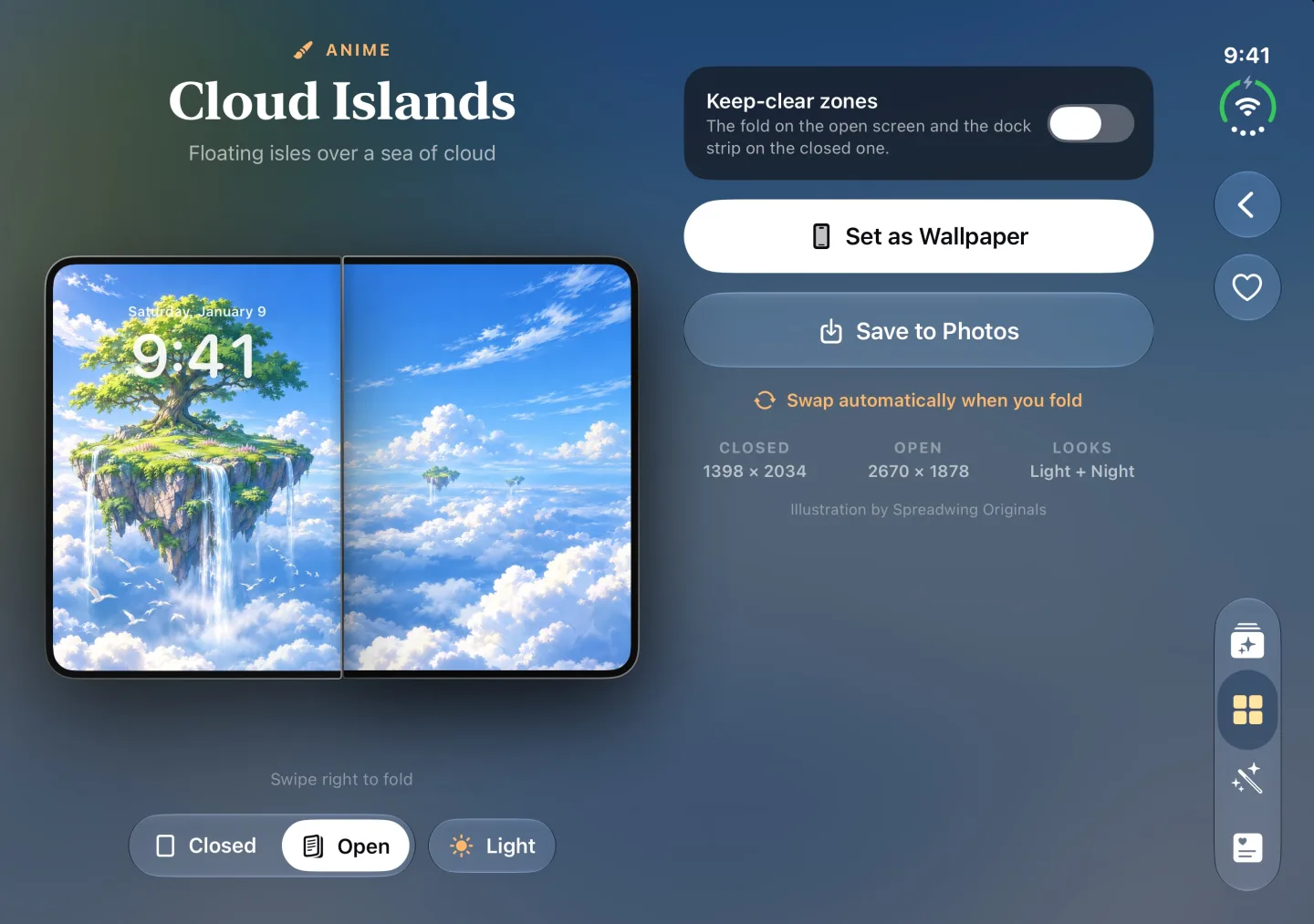
    Fold and unfold a live preview of your Duo before you set anything. Tap Set as Wallpaper and the screen you're looking at changes, through a small shortcut you add once. Or save any pair to Photos.
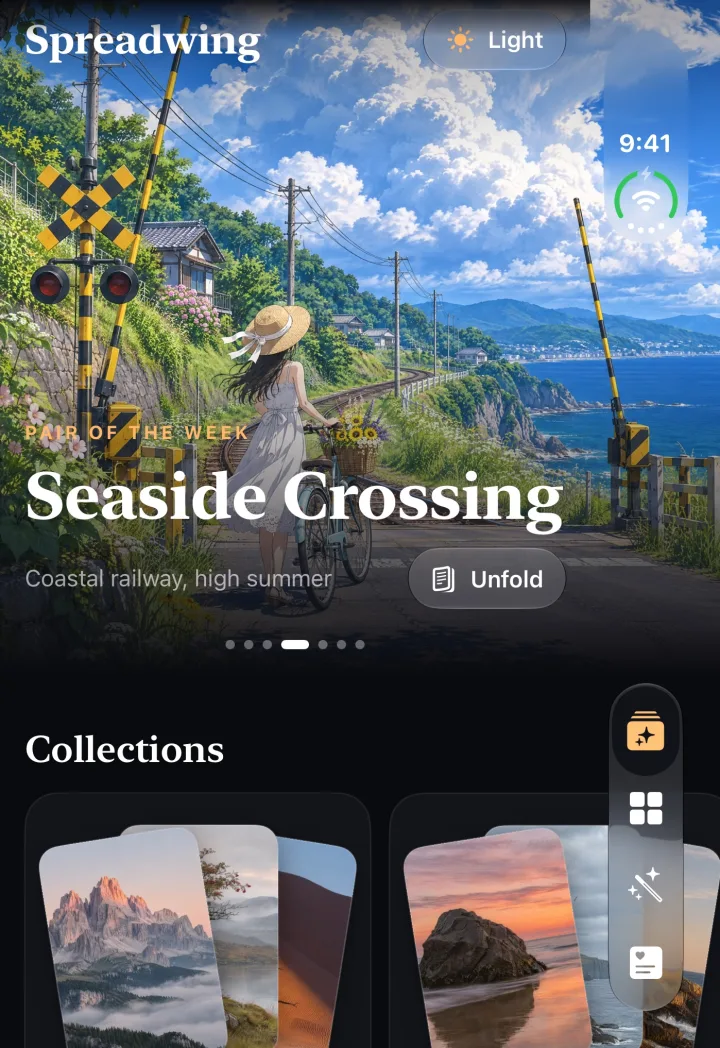
    • The Discover screen on the closed iPhone Duo, with Seaside Crossing as pair of the week
      Discover, on the cover
    • A pair previewed on the open inner screen, with Closed and Open controls and a Set as Wallpaper button
      A pair on the open screen, ready to set
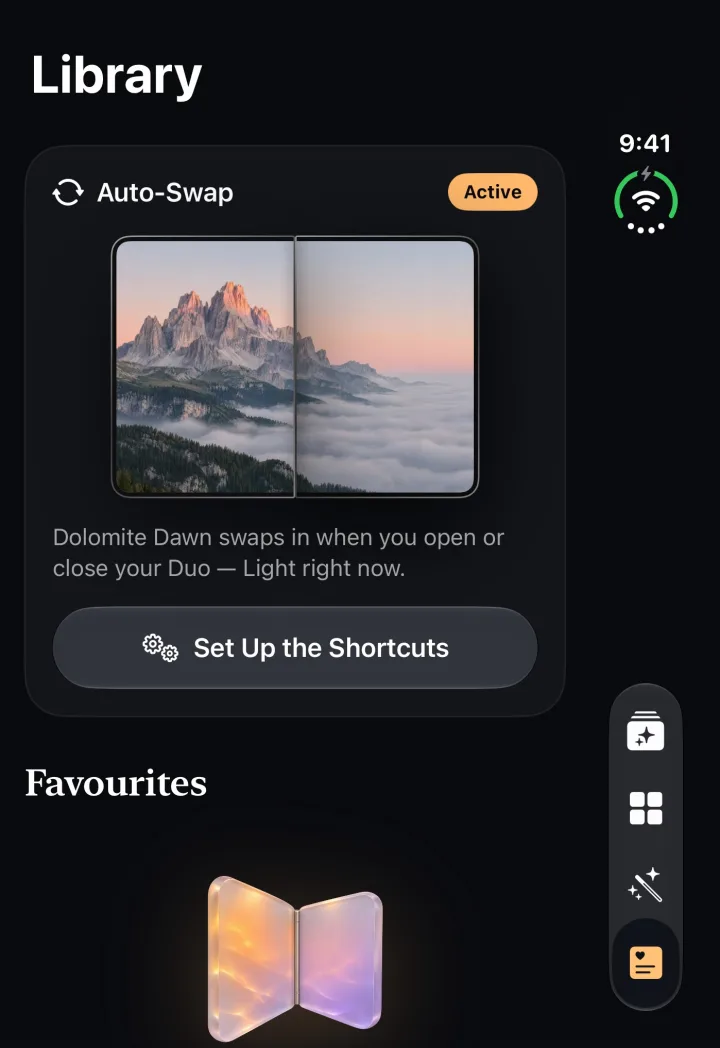
    • The Library screen showing Auto-Swap active for Dolomite Dawn
      Library, with Auto-Swap on

    Auto-Swap

    It swaps itself when you fold.

    Apps can't change your wallpaper directly, so Spreadwing gives Shortcuts a Get Duo Wallpaper action. Make two automations once, and your Duo changes wallpaper every time it opens or closes.

    1. Tap Set as Wallpaper on a pair. Auto-Swap uses the one you set most recently.
    2. In Shortcuts, make an Opened or Closed automation for Opened.
    3. Do the same for Closed. A guide in the app walks you through it.
    Read the setup steps

    When iPhone Duo is Opened

    1. Get Duo WallpaperState: Opened
    2. Set Wallpaper PhotoShow Preview: Off

    Run Immediately

    When iPhone Duo is Closed

    1. Get Duo WallpaperState: Closed
    2. Set Wallpaper PhotoShow Preview: Off

    Run Immediately

    Studio

    Your photos, on both screens.

    Pick any photo. Studio finds the subject, frames it for the cover and the spread, and tells you when it would land on the fold or under the dock.

    • Framed on your iPhone, never uploaded
    • Subject kept off the fold
    • Dock strip left quiet on the cover
    • As many pairs as you like

    Private by design.

    No account, no analytics, no ads. Your photos and favourites stay on your iPhone.

    • No account
    • No analytics
    • No ads

    Pay once, own it all.

    One purchase, no subscription. Every collection, every new wallpaper and every update is included.

    • No subscription
    • No in-app purchases
    • Updates included
    Spreadwing app icon

    Two screens.
    One scene.

    Made for iPhone Duo. You can browse and save every pair on any iPhone.

    Coming soon to the App Store